# Local notes agents can trust
A markdown editor for the AI era — capture, organise, and think over real .md files on your Mac.
Bring your own keys. Agents attach to the same folder via MCP.
v1.5.5 · Workspace · Versioned Save · MCP · BYO keys · Free Capture · Pro Think
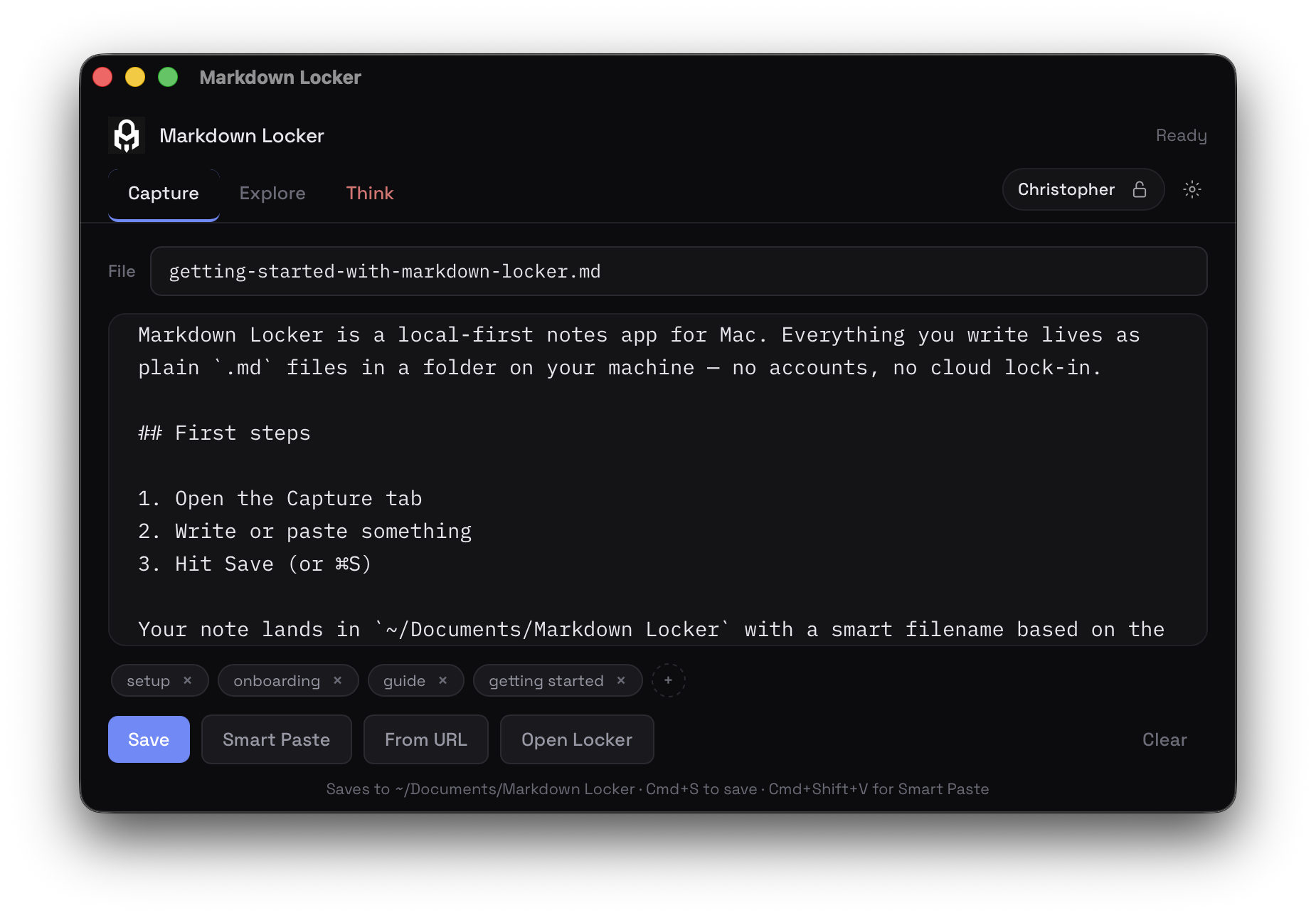
Write once. Files agents can read.
Notes land as ordinary .md files — not a proprietary blob.
Write, smart-paste, clip the web, or dictate and Tidy.
What you save is what Grok, Cursor, or any MCP client can open later.
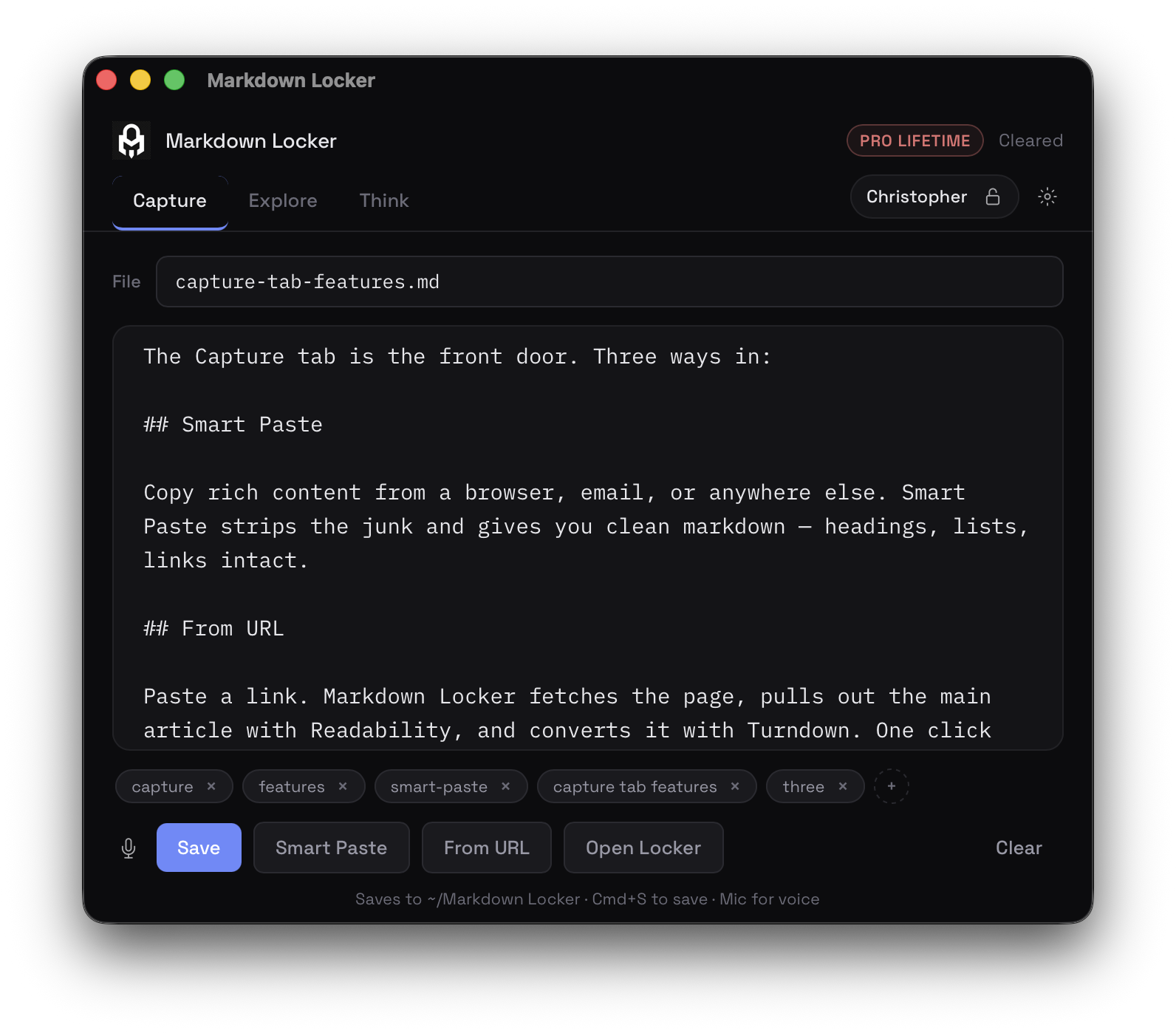
One locker. Human and machine.
Search titles, tags, and full text. Open any note back into Capture.
Versioned Save keeps prior bodies under versions/ so the trail stays on disk — useful for you and for agents that care about evolution.
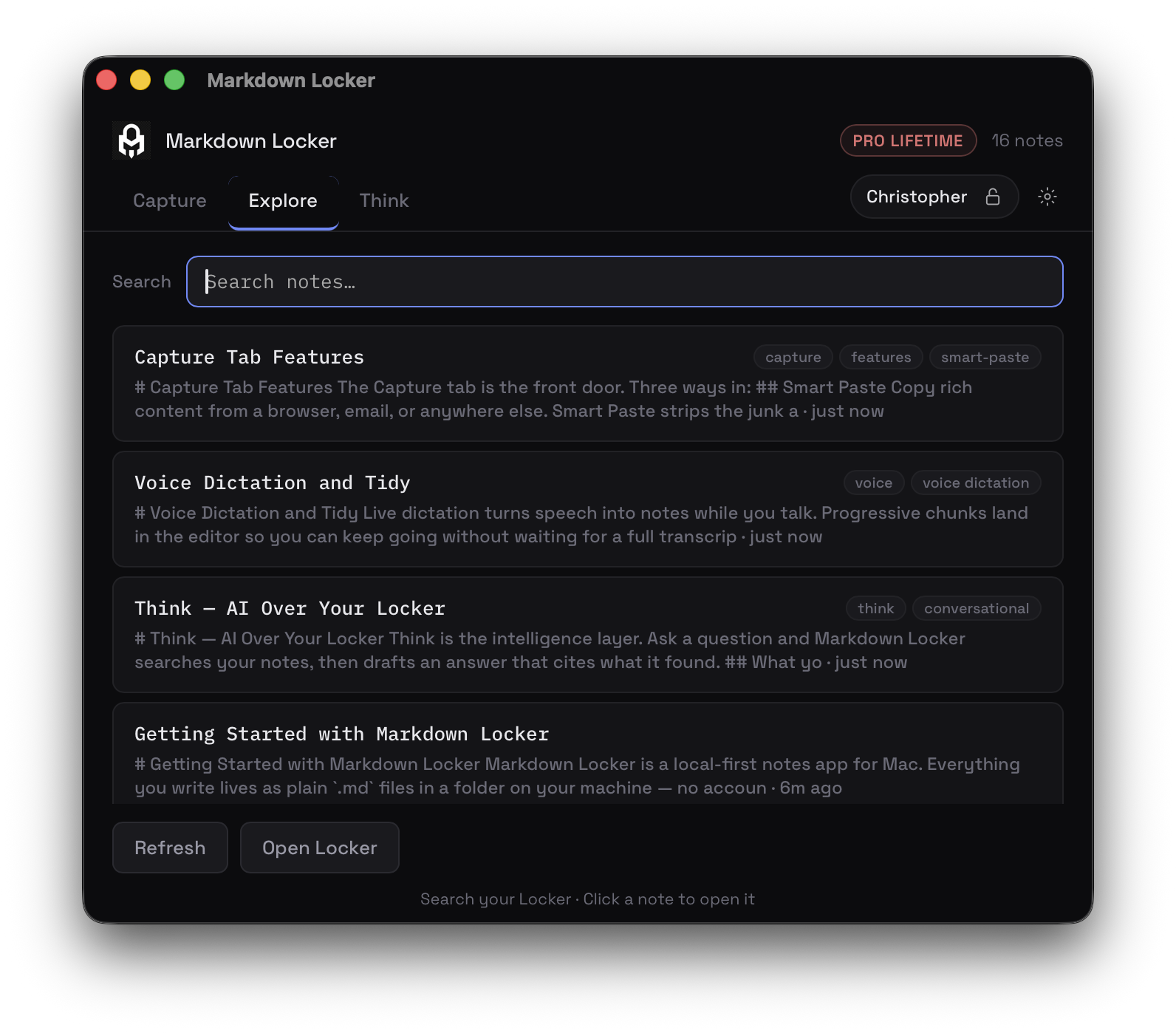
Think over the same files agents use.
Ask across your whole Locker. Answers stay grounded in your notes with citations you can open. Your key. Your models. The archive stays on disk.
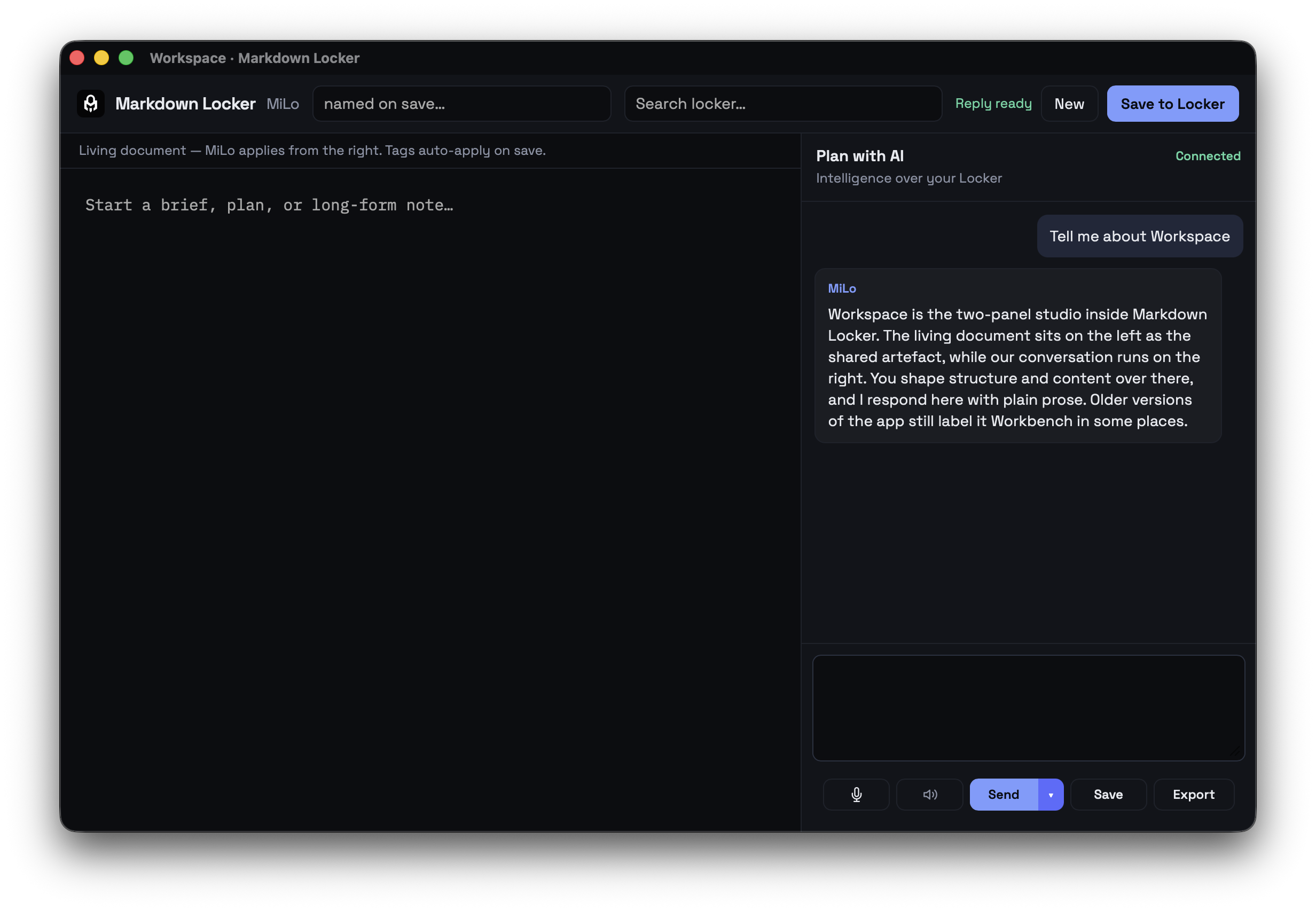
The two-panel studio.
Living document on the left. MiLo conversation on the right. Same Locker on disk — write long-form while you talk through the work. Connected status, voice, and a calm dual layout built for serious drafting, not another chat tab.
Attach. Don’t upload.
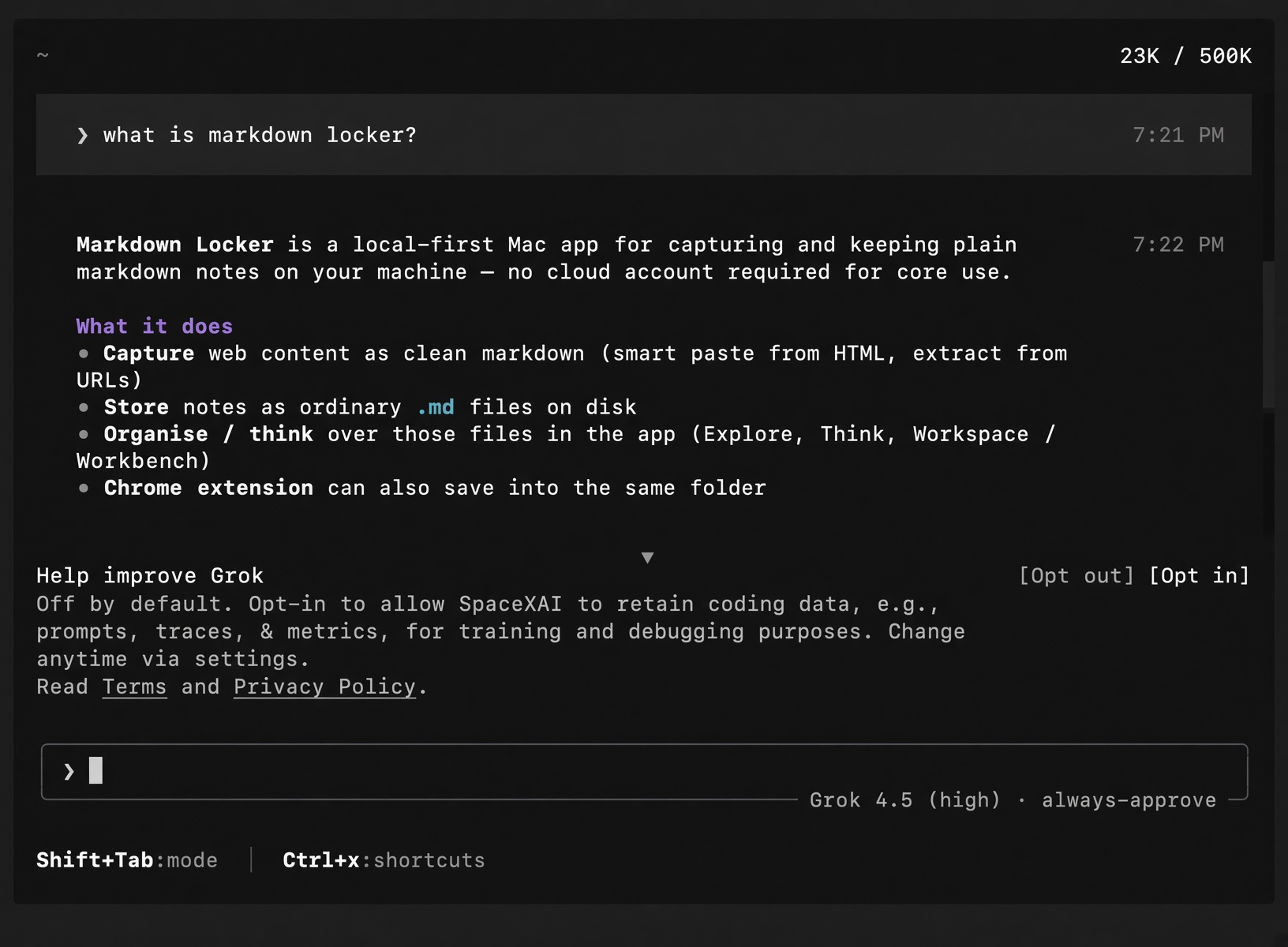
Grok Build, Cursor, and other MCP clients can point at your Locker: search, read, list — read-only by design. Copy install commands from Think settings. The website is product docs; your notes never leave the machine unless you attach a tool.
Your files. Your machine.
Default path ~/Documents/Markdown Locker.
Spotlight, git, any editor. We never host your archive.
Start with files agents can trust.
Free Capture and Explore. Pro when you want Think, Workspace, and dictation. MCP attach is local.